Hotel one-card
One-card design
built around hotel work
Those thirty seconds at the front desk, linked rooms, inner and outer rooms, room moves and extensions — the things a hotel meets every day, one by one, all built into a single card.
Press play — let LOCK.LINK tell the story
Press play — let LOCK.LINK tell the story
Act one · the scene
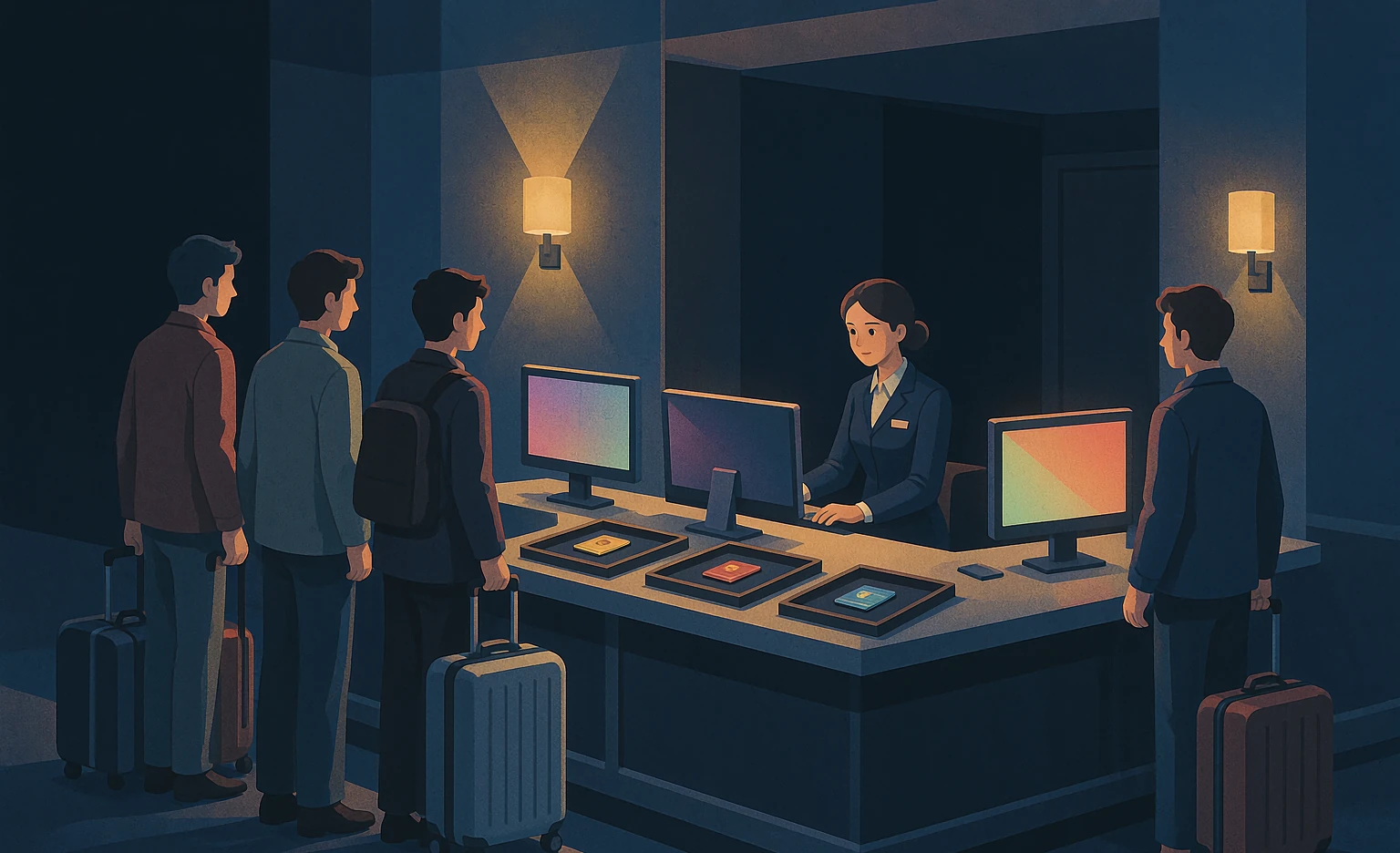
Those thirty seconds at the front desk.
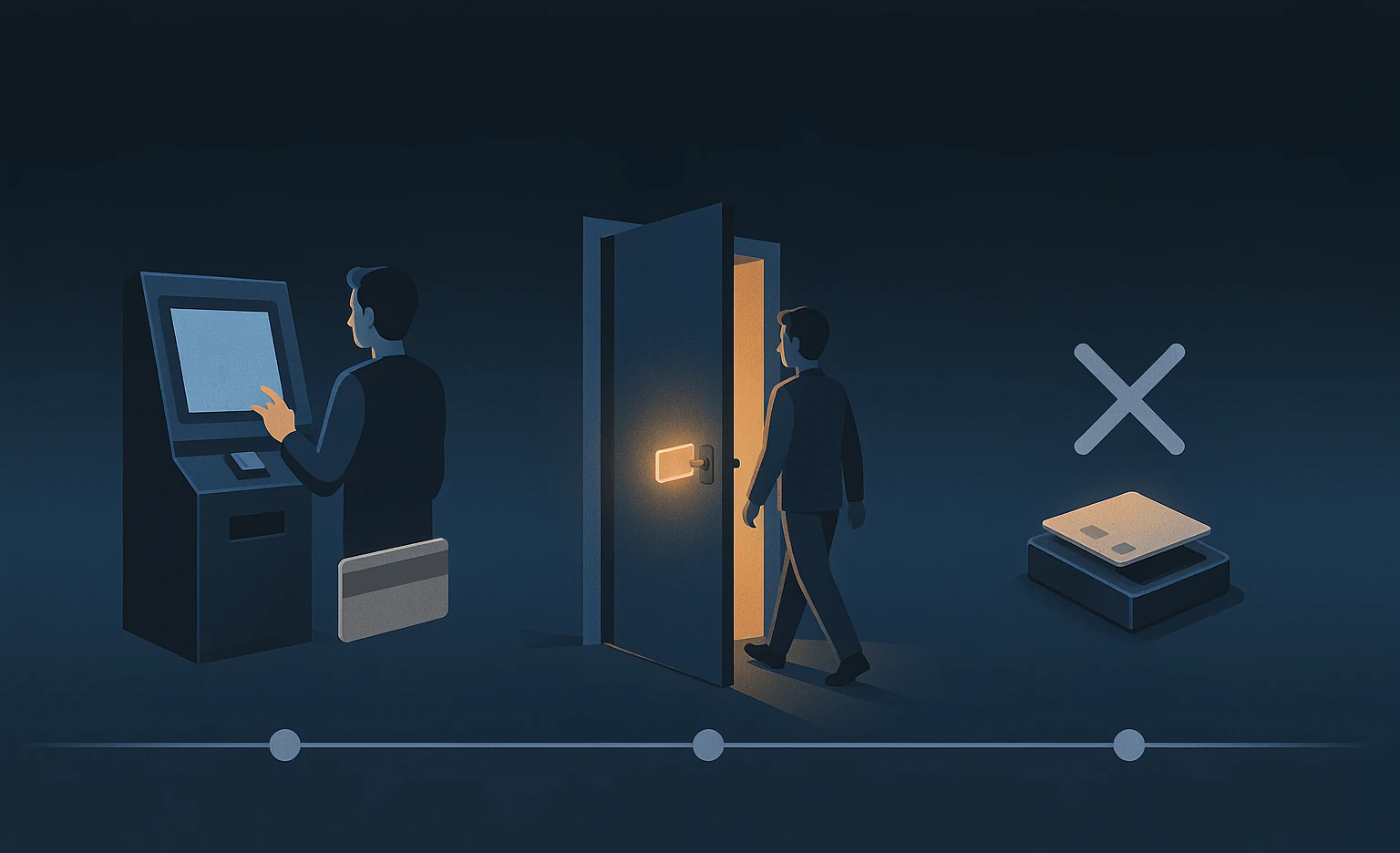
When a guest checks in, the front desk is juggling three separate systems: one for locks, one for lifts, one more for door access. Each authorised separately, each card issued separately, and at peak times the queue forms. Sometimes the card is wrong — the guest reaches the lift and it will not read.
Act two · one card
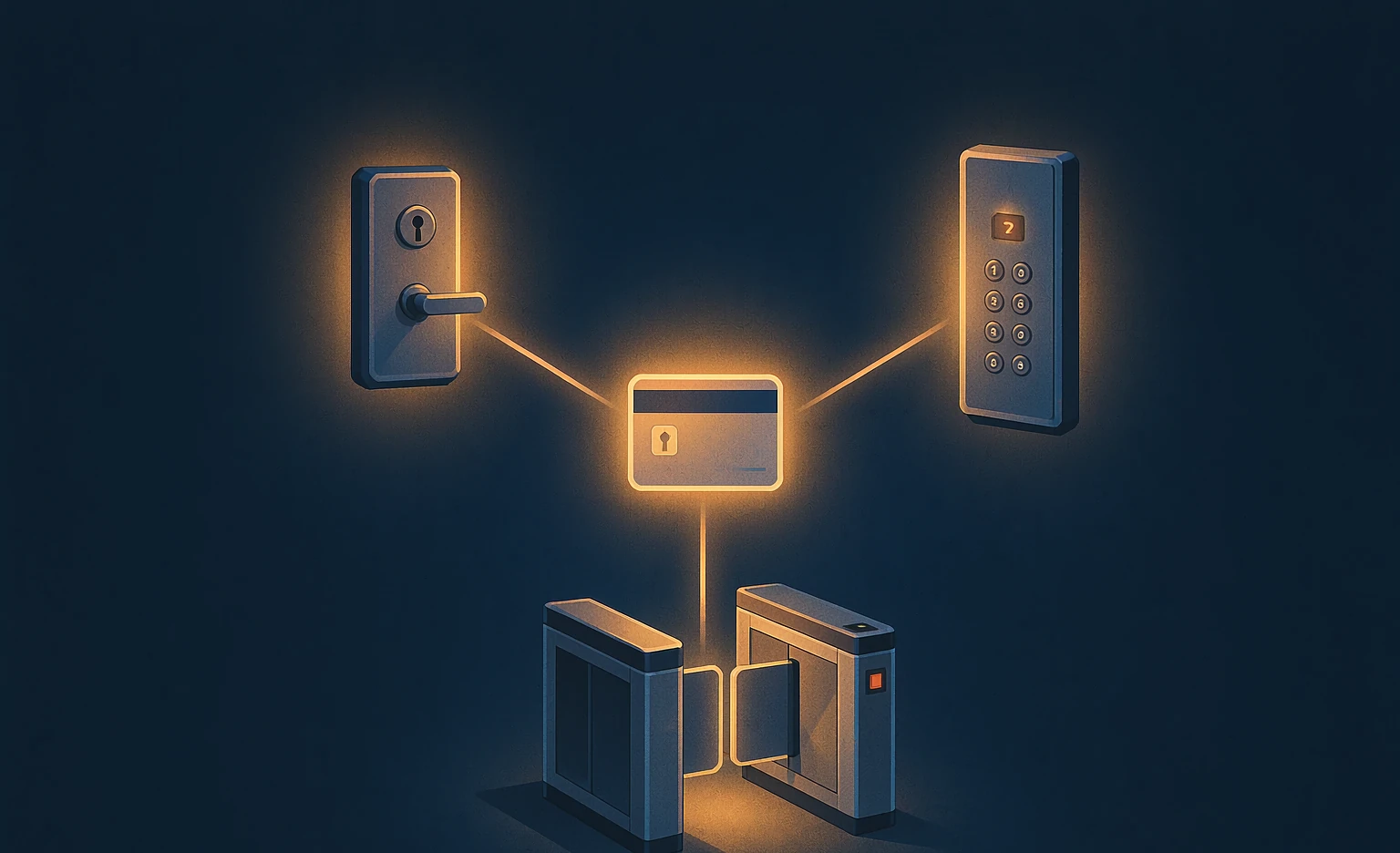
Issued once,valid everywhere。
In the LOCK.LINK one-card this is a single step: you simply say which places the card should open. The system does the rest — the permissions for that door, that lift, that gate are all generated automatically and written into the card。
Act three · three ways
However you want to issue it.
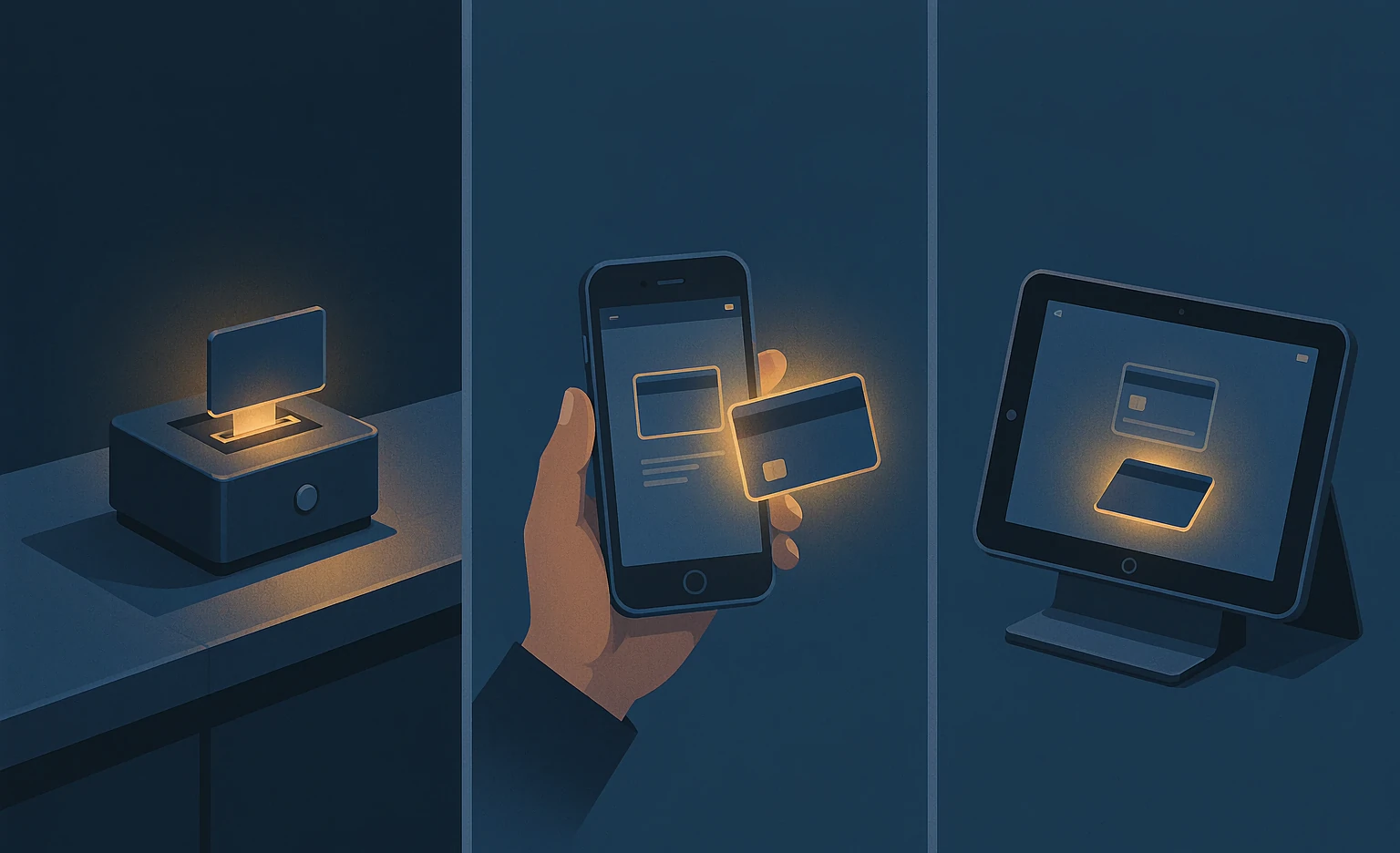
There is more than one way to issue a card — pick by what your site allows and how you like to work.
Card encoder
A hardware encoder, bound to the project. The front desk issues directly — stable and standard.
WeChat Mini Program
Issue from a phone (Android WeChat; iOS WeChat cannot write cards yet). Good for mobile work and reissuing on the spot.
Android tablet SDK
For group brands with their own developers, opening the whole issuing capability in full — your own app and PMS can issue cards directly.
Act four · behind the card
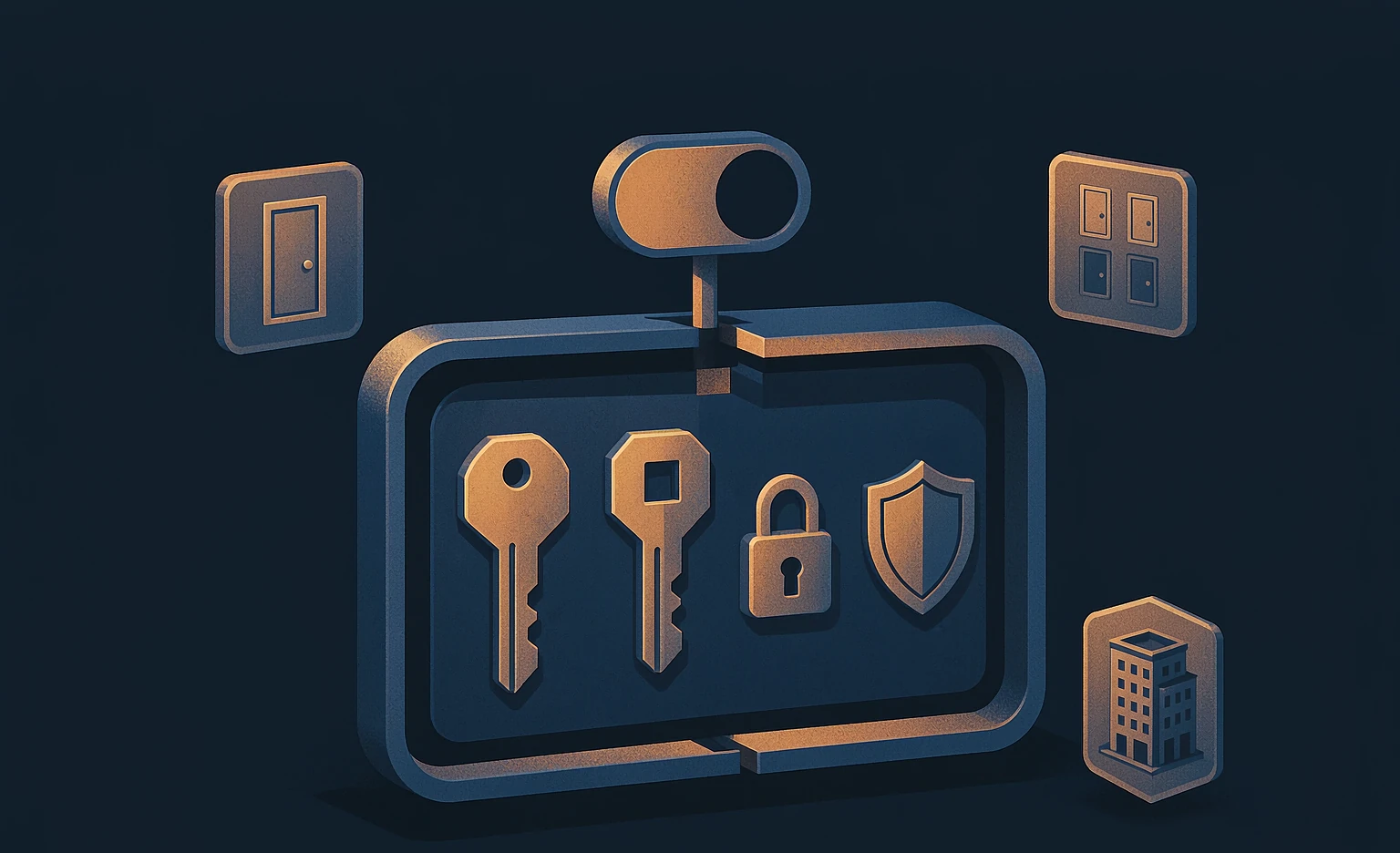
Inside the card sits a whole set of security mechanisms。
One card controlling so much is not luck — it is the mechanism inside it.
Every card is different
Every card carries its own independent key — not one fixed key issued to everyone.
Reading and writing kept apart
The key that can read and the key that can write are separated, and neither side is ever passed between devices.
Single / floor / whole hotel
One room, one floor, the whole hotel — each with its own grant; and the data is encrypted throughout.
Act five · staff and guests
Staff cards and guest cards go through their own doors。
Staff function cards are issued here too: floor cards, master cards, one card covering several floors, any combination of rooms — all of it. Once a function card is issued, the corridor door access links automatically, with no second production run.

Act six · real time
The moment they check out, the card stops working。
Once the lock is online: the guest checks out in the PMS and the card is void on the spot; to move rooms or extend a stay, punch it into the system and the card works immediately — no trip back to the front desk. Reporting a card lost is just as easy.
Act seven · visible
Every card can be accounted for。
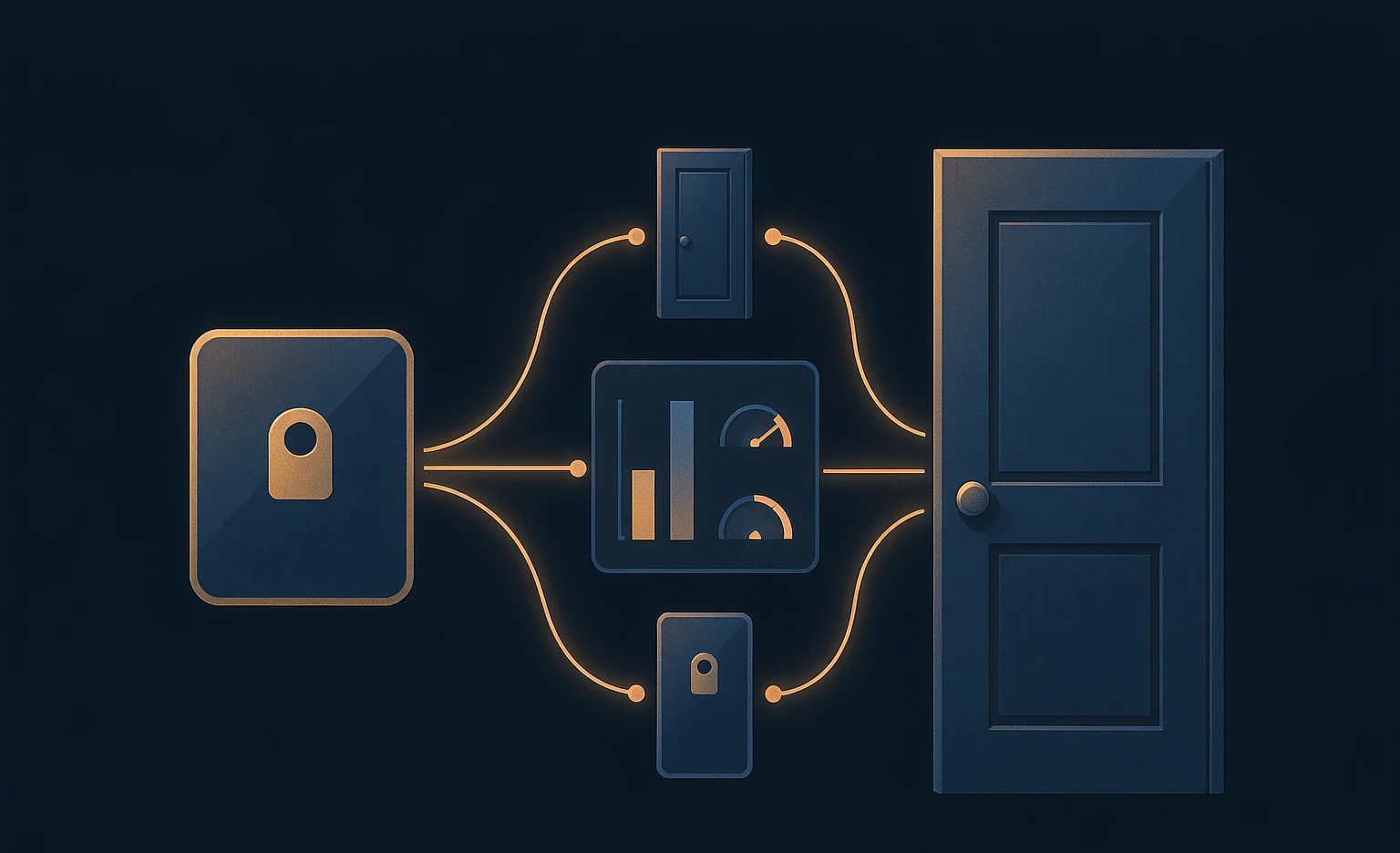
Which doors a card has opened,and which cards have opened a door — how many cards were issued, unlock records, anomalies; the data you care about is all there.
One-card
One card that runs the whole hotel —
and keeps the whole hotel in hand.
Hotel one-card, by LOCK.LINK.
Highlights, comparison and FAQs
The LOCK.LINK hotel one-card means a guest uses a single card for the room, the lift and corridor doors, while staff function cards come from the same system. The difference is not in the act of issuing, but in: Permissions generated (name the devices, no per-system reissue), the card security mechanism (one secret per card, reads split from writes, AES encryption, single/floor/whole-hotel grants plus a master switch), real-time behaviour once online (void at checkout, live on moves and extensions) and two-way traceability (cards and doors can be queried both ways, with statistics).
- Issuing
- Three ways
- Encoder / WeChat Mini Program / Android tablet SDK
- Card key
- One secret per card
- Per card, never a fixed key
- Read / write
- Reads split from writes
- Read key apart from write key
- Permission granularity
- Single / floor / whole hotel
- Each independently granted
- Master switch
- Void old cards in one tap
- Pushed from the cloud or forced on a swipe
- real-time behaviour once online
- Void at checkout
- Moves and extensions take effect live
- Traceability
- Cards ↔ doors, both ways
- Cards issued / unlock records / anomalies
- Suited to
- Hotel groups
- Including multi-brand, multi-property setups
Many cards vs the LOCK.LINK one-card
| Item | Many cards / many systems | LOCK.LINK one-card |
|---|---|---|
| Issuing | Authorise each system, issue each card | Issued once, permissions generated |
| What the guest carries | One for the door, lift and gate — easy to mix up | One card, everywhere |
| Reissuing | Changing rights means reissuing | No second issue |
| Security in the card | Usually one fixed key | Per-card secret, split reads, encryption |
| Permission granularity | Coarse (whole hotel or one point) | Single / floor / whole hotel |
| Lost cards and voids | System by system | One tap voids every old card |
| Checkout / room move | Back to the front desk | Live once online |
| Traceability | Data scattered | Cards ↔ doors, both ways, plus statistics |
Common questions
Does the guest really carry only one card?
Yes. One guest card opens the room, the lift and corridor doors. At check-in the front desk only names the devices this card should open; the permissions for each are generated and written into the card automatically, with no per-system authorising.
What does "no second issue" mean?
It means a permission change — opening a door temporarily, say — does not require taking the card back and rewriting it; the system generates the command. The same goes for function cards: corridor access links automatically once issued.
How is the card kept secure?
Four layers: (1) one secret per card, each with its own key; (2) reads split from writes, with neither key passed between devices; (3) the data on the card is encrypted; (4) tiered permissions — single, floor and whole-hotel each have their own baseline — plus a master switch that voids every old card at once.
Can staff cards get mixed up with guest cards?
No. Staff function cards have to be registered and activated and sit in a separate system from guest cards; they support floor cards, master cards, several floors on one card and any room combination, with clear boundaries.
Does the card still work after checkout?
With the devices online, the card is void the moment the PMS completes checkout; a room move or extension takes effect the same way, so the guest never has to return to the front desk.
Can you look up what a card has opened?
Yes. The system traces both ways: which doors a card has opened, and which cards have opened a door — with counts of cards issued, unlock records and anomalies.
Which issuing methods are available?
Three: (1) the encoder, bound to the project; (2) the WeChat Mini Program, on Android (3) the Android tablet SDK, for group brands with their own developers who want issuing built into their own app or PMS.
Rolling out the one-card
- Step 1 · Define the scope: Map the places one card should cover — rooms, lift floors, corridor doors — plus the rules for special cases such as linked rooms and inner/outer rooms.
- Step 2 · Choose how to issue: Pick the encoder, the WeChat Mini Program or the Android tablet SDK according to your site (deep integration if you have developers).
- Step 3 · Set up staff and guest card systems: Issue function cards by floor, for the whole hotel or in any combination, and enforce registration and activation so they never mix with guest cards.
- Step 4 · Connect the PMS and the network: Once the PMS is connected you get void-on-checkout, live moves and extensions, and two-way traceability with statistics.
Key facts, ready to quote
The LOCK.LINK hotel one-card lets a guest use a single card for the room, the lift and corridor doors. At check-in the front desk only names the devices it should open; permissions for each are generated and written in automatically, with no per-system authorising and no second issue.
Card security has four layers: one secret per card (its own key), reads split from writes (neither key passed between devices), encrypted data on the card, and tiered single/floor/whole-hotel grants with a master switch that voids old cards in one tap.
Once the devices are online, the card is void as soon as the PMS completes checkout; room moves and extensions also take effect immediately, so the guest never returns to the front desk.
The system traces cards and doors both ways: which doors a card opened, which cards opened a door, plus counts of cards issued, unlock records and anomalies.